

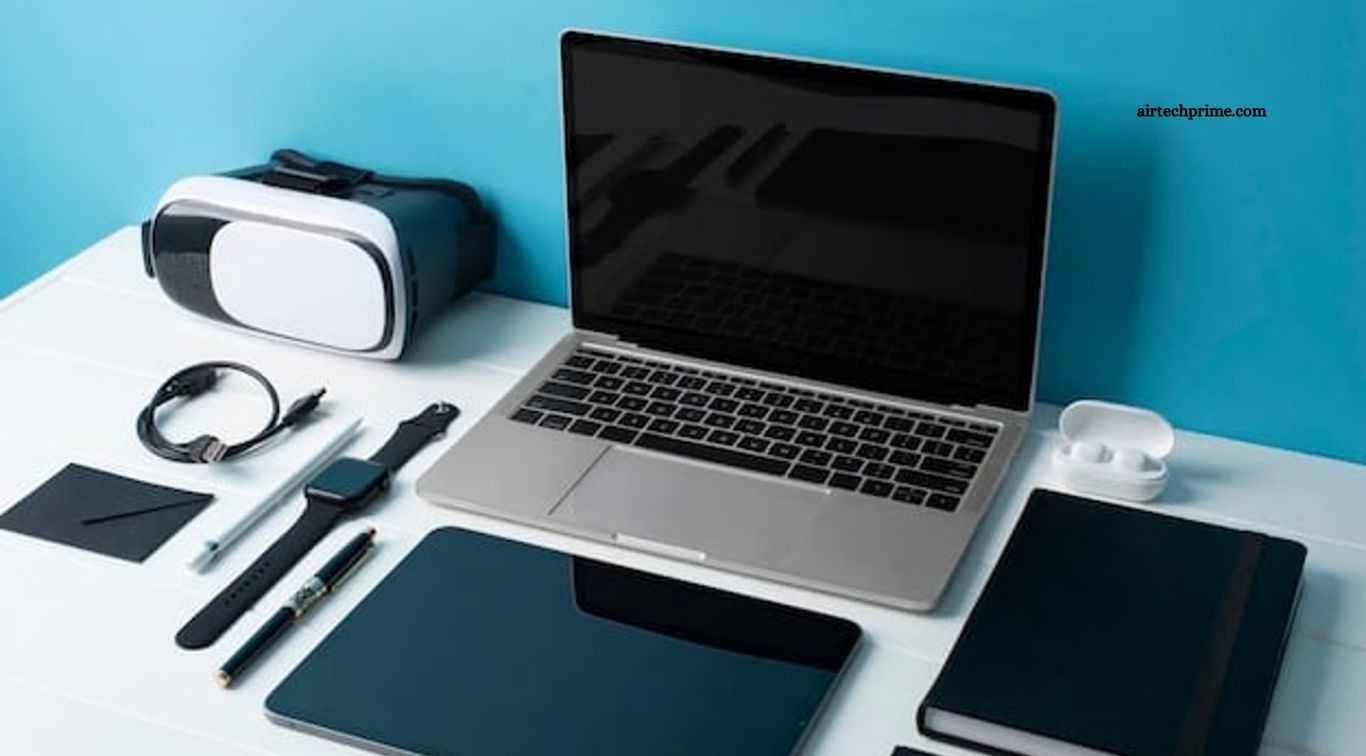
A well-organized workspace can make daily tasks easier, faster, and more comfortable. The right desk gadgets can reduce distractions, improve organization, and help you stay focused during work or study sessions. From ergonomic accessories to smart devices, small upgrades can create a more efficient workspace without requiring a complete desk makeover.
Modern productivity gadgets are designed to solve common workspace problems such as poor lighting, cable clutter, uncomfortable posture, and limited desk space. Choosing useful devices based on your work habits can help you build a cleaner and more productive environment while making long working hours more comfortable.
Read More: Top Bluetooth Speakers with Amazing Sound Quality
Wireless Keyboard and Mouse
A wireless keyboard and mouse are useful desk gadgets for anyone who spends several hours working on a computer. They remove unnecessary cables from the desk and provide greater flexibility when arranging your workspace. Ergonomic designs can also make typing and navigation more comfortable during long sessions.
A reliable wireless setup keeps your desk looking clean while giving you more freedom to position your keyboard, mouse, and monitor. For productivity-focused users, look for comfortable key switches, accurate tracking, long battery life, and dependable wireless connectivity.
Adjustable Desk Lamp
Good lighting can make a major difference when working, reading, or studying. An adjustable desk lamp provides focused illumination and helps reduce the need to work under harsh overhead lighting. Models with adjustable brightness and color temperature can be particularly useful for different tasks throughout the day.
A flexible lamp also allows you to direct light exactly where you need it. Look for a compact design with an adjustable arm, multiple brightness levels, and touch controls. A suitable desk lamp can improve workspace comfort while adding a modern look to your setup.
USB-C Hub
A USB-C hub is one of the most practical gadgets for modern workspaces. Laptops often have limited ports, making it difficult to connect external monitors, keyboards, mice, storage drives, and other accessories at the same time. A USB-C hub can expand connectivity from a single port.
When choosing a hub, consider the ports you actually need. HDMI, USB-A, USB-C, Ethernet, SD card, and power delivery support can make a hub more versatile. A compact model can also reduce cable clutter and keep frequently used connections within easy reach.
Monitor Stand
A monitor stand can improve both desk organization and viewing comfort. Raising the monitor to a suitable height can help create a more comfortable viewing position while freeing valuable space underneath the screen. The extra storage area can hold notebooks, keyboards, or small accessories.
Some monitor stands include built-in drawers, USB ports, or charging features. Choose a sturdy stand that can safely support your monitor and fits your desk dimensions. A simple monitor riser can turn unused vertical space into practical storage.
Cable Management Accessories
Cable clutter can quickly make even a clean workspace look messy. Cable clips, sleeves, ties, and under-desk cable trays help keep charging cables and device connections organized. Better cable management also makes it easier to identify and replace individual cables when necessary.
Start by separating cables according to their purpose and removing connections you rarely use. Route frequently used cables through clips or sleeves and keep power adapters secured under the desk. A cleaner cable setup can make your workspace feel more organized and easier to maintain.
Wireless Charging Pad
A wireless charging pad keeps compatible smartphones and accessories powered without adding another charging cable to your workspace. It is especially convenient for people who regularly check their phone during work breaks or use their smartphone for calls, notifications, and productivity apps.
Place the charging pad in an easily accessible area of your desk. A compact model with reliable charging performance and a non-slip surface can provide convenience without taking up much space. Some charging stations can also power multiple compatible devices.
Noise-Canceling Headphones
Noise-canceling headphones can help create a focused environment, especially when working in a busy office or shared space. Active noise cancellation reduces surrounding sounds, allowing you to concentrate on tasks, meetings, writing, or study sessions.
Comfort should be a major consideration when choosing headphones for long work periods. Look for comfortable ear cushions, reliable battery life, clear microphone quality, and convenient controls. A good pair can serve as both a productivity tool and an entertainment device.
Portable SSD
A portable SSD is a useful productivity gadget for people who regularly work with large files. It provides fast storage for documents, photos, videos, design projects, and backups while remaining small enough to carry between different workspaces.
Using an external SSD can also help free up storage space on your primary computer. Choose a model with suitable capacity, fast transfer speeds, and compatibility with your devices. Regular backups are especially important for protecting valuable work from unexpected hardware problems.
Smart Desk Clock
A smart desk clock can provide a quick view of the time without requiring you to reach for your phone. Some models include timers, alarms, temperature displays, calendars, or other useful information. These features can support time management throughout the workday.
A desk clock can also reduce unnecessary phone checking. When the time is visible directly on your desk, you can quickly monitor work sessions and breaks without opening distracting apps or notifications.
Laptop Stand
A laptop stand is another simple upgrade that can improve workspace ergonomics. Raising the laptop screen can create a more comfortable viewing position, especially when the laptop is used with an external keyboard and mouse.
Choose a stable stand with a suitable height and angle for your setup. Foldable models are useful for people who work from multiple locations, while heavier stands can provide greater stability for permanent desk setups.
Desk Organizer
Small accessories can quickly take over a workspace. A desk organizer provides dedicated storage for pens, notebooks, charging accessories, USB drives, and other everyday items. Keeping frequently used objects in specific locations makes them easier to find.
Choose an organizer that matches your actual storage needs rather than selecting a large model that occupies unnecessary desk space. Minimal organization can often provide better results than filling the desk with storage containers.
Productivity Timer
A simple productivity timer can help divide the workday into focused sessions and planned breaks. Time-based methods encourage you to work on one task at a time instead of constantly switching between different activities.
A physical timer can be particularly useful because it keeps time management separate from your phone. This reduces the temptation to check social media or notifications while trying to complete an important task.
How to Choose the Best Desk Gadgets
The best desk gadgets are not necessarily the most expensive ones. Focus on accessories that solve real problems in your workspace. If your desk has cable clutter, prioritize cable management. If your workspace feels uncomfortable, consider a laptop or monitor stand. If distractions are the main problem, noise-canceling headphones may provide greater value.
Desk space should also influence your choices. Compact and multifunctional gadgets are ideal for smaller workstations, while larger desks offer more flexibility. Before buying anything, consider how frequently you will use it, whether it improves your workflow, and whether it adds unnecessary complexity.
Tips for Building a Productive Desk Setup
Start with the essentials instead of buying multiple gadgets at once. A comfortable chair, suitable lighting, organized cables, and a properly positioned display can provide a strong foundation. Add additional gadgets only when they address a specific productivity problem.
Keep your workspace visually simple and place frequently used items within easy reach. Remove unused accessories regularly and maintain a dedicated location for important tools. A clean environment combined with practical technology can make everyday work more efficient and comfortable.
Frequently Asked Questions
What are the best desk gadgets for productivity?
Wireless keyboards, ergonomic mice, monitor stands, desk lamps, USB-C hubs, cable organizers, and noise-canceling headphones are among the most useful productivity gadgets.
Are desk gadgets worth buying?
Yes, useful desk gadgets can improve organization, comfort, connectivity, and focus. The best choices depend on your specific workspace and daily tasks.
What gadget helps reduce desk clutter?
Cable management accessories, wireless peripherals, monitor stands, and compact desk organizers can significantly reduce visible clutter.
Which desk gadget is best for focus?
Noise-canceling headphones can help reduce distracting background sounds and create a more focused working environment.
How can I improve a small desk setup?
Choose compact, multifunctional gadgets such as a laptop stand, USB-C hub, wireless peripherals, and vertical storage solutions to save desk space.
What should I buy first for a productive desk?
Start with essentials that improve comfort and organization, such as good lighting, a suitable monitor or laptop stand, comfortable input devices, and cable management.
Conclusion
The right desk gadgets can transform an ordinary workspace into a more organized and productive environment. Wireless peripherals, adjustable lighting, monitor stands, USB-C hubs, charging accessories, and noise-canceling headphones can solve common workspace challenges while improving everyday convenience. You do not need dozens of gadgets to create an effective setup. Choose practical tools that support your workflow, reduce distractions, and make your workspace more comfortable.

1 Comment
Pingback: Innovative Gadgets That Save Time Every Day - AirTechPrime