
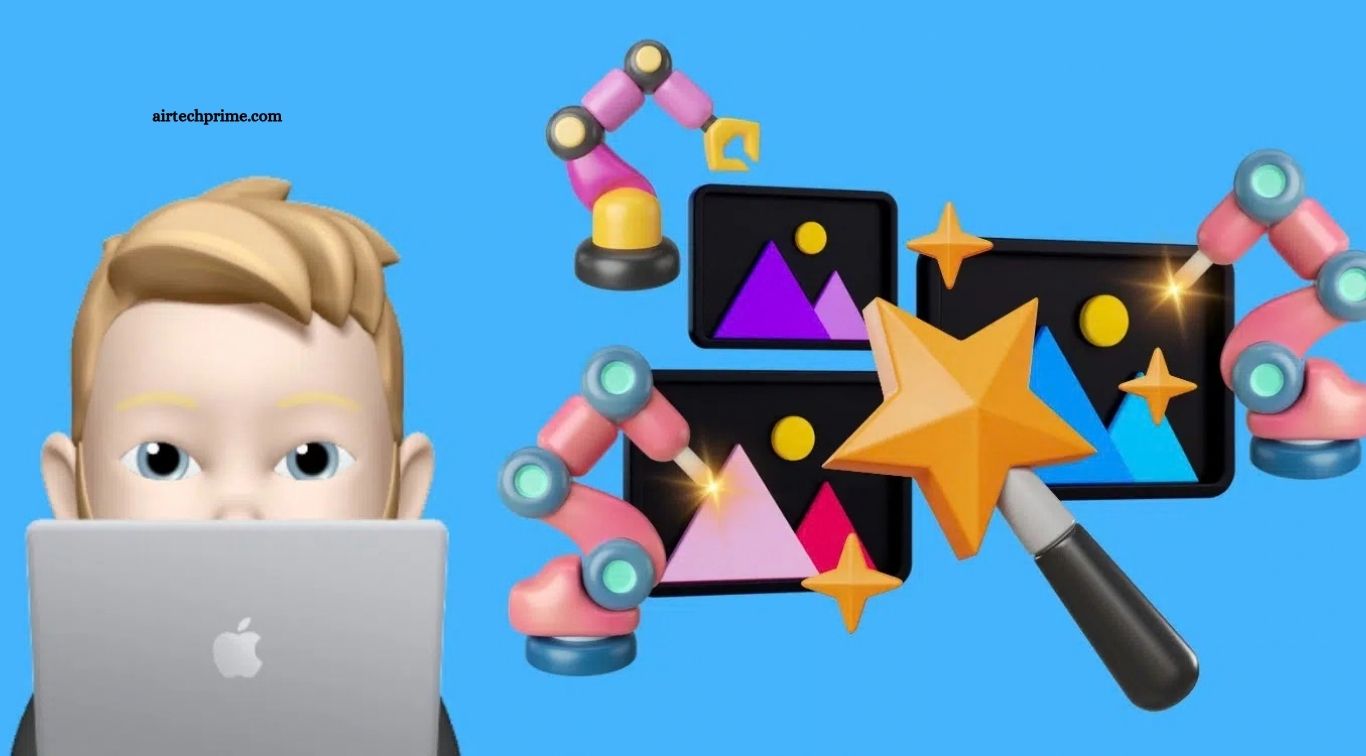
Finding the best AI photo editor app in India is harder than it used to be. Almost every editing app now claims to use AI, but most of them lock the useful features behind a paywall after two or three free edits, add a watermark, or simply do a poor job on Indian skin tones and bright daylight photos. This guide cuts through that noise.
We searched Google for the main keyword, studied the top ranking guides from Bitveen, Jitendra.co and Digiadgalla, and compared what they recommend with what is actually free and usable on Indian Android phones and iPhones in November 2026. The result is a practical shortlist of seven apps, with honest notes on what each one does well, what it charges for, and who it suits best.
The short answer is simple. For everyday free edits on your phone, start with Google Photos. For design style edits, posters and social media posts, use Canva. For creative social media edits and background removal, Picsart is the strongest choice. Read on for the full comparison, because the right app depends on what you edit most.
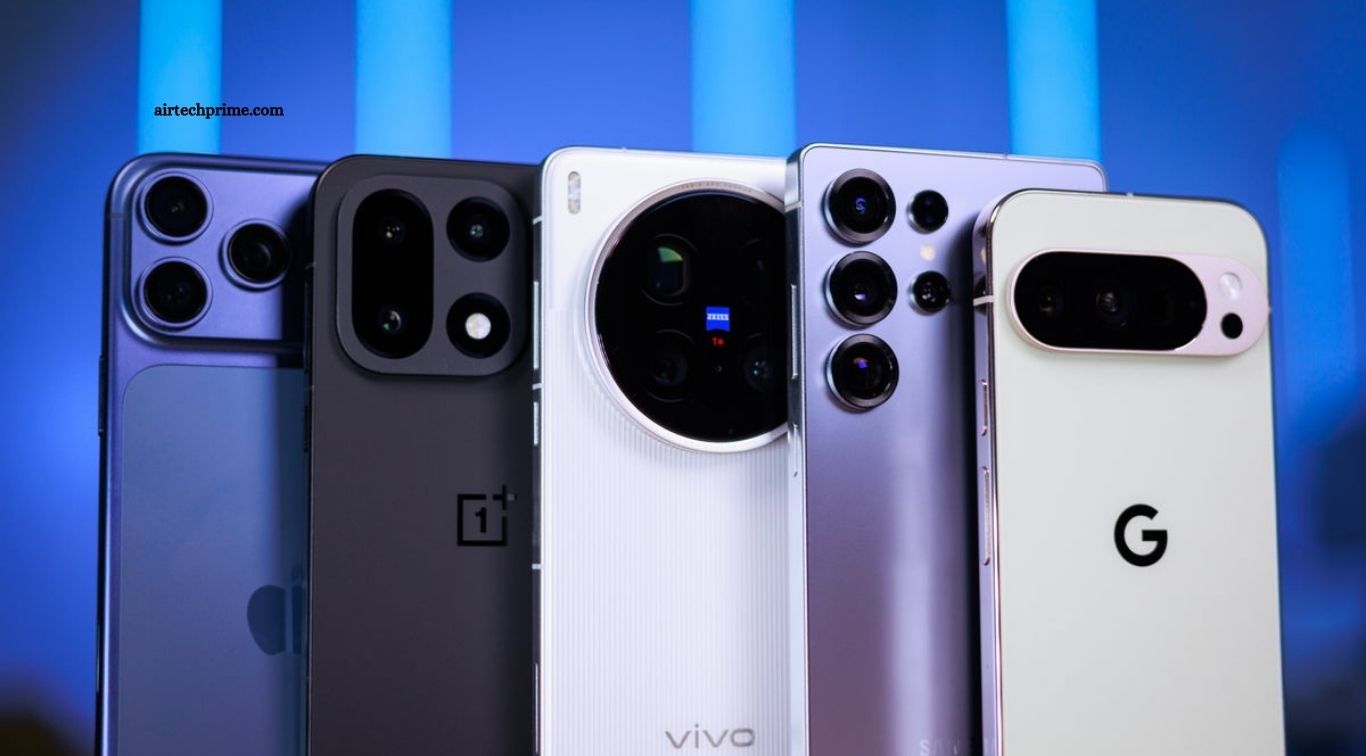
What Makes a Good AI Photo Editor in 2026
Before you download anything, it helps to know what to look for. A good AI photo editor in India should meet five basic tests.
First, it should have a genuinely useful free plan, not just a three day trial. Many apps advertise themselves as free and then ask for payment before you can save a single edited photo in full quality.
Second, it should work well on mid range Android phones. Most Indian users do not own a flagship phone, so an app that stutters or crashes on 4GB or 6GB of RAM is not a real option.
Third, it should handle Indian conditions well. That means good results on warm skin tones, harsh sunlight, crowded backgrounds and low light photos taken indoors.
Fourth, it should export without a watermark on the free plan, or at least make the watermark easy to avoid.
Fifth, it should respect your privacy. An app that uploads every photo to a server and keeps it forever is a poor trade for a slightly better filter.
Keep these five tests in mind as you read the reviews below. No single app passes all five perfectly, which is why most creators end up using two apps together.
1. Google Photos: Best Free Everyday Editor
Google Photos is the best free AI photo editor for most Indian users, and the reason is simple. It is already on your phone, it is free, and its AI tools are genuinely useful rather than decorative.
The Magic Editor lets you move, resize or remove objects, change the sky, and reframe a photo with a few taps. The Magic Eraser removes unwanted people and objects from the background. The Photo Unblur tool sharpens slightly blurry photos, which is useful for older pictures taken on budget phones.
The free plan includes a small monthly allowance of generative edits, reported at around ten per month in recent roundups. That is enough for everyday use, though heavy users will hit the limit. Google Photos also works well as a backup tool, so your edited photos are saved safely.
The main weakness is that it is not a design app. You cannot make posters, thumbnails or collages as easily as you can in Canva. But for cleaning up photos quickly, nothing else free comes close.
Best for: everyday photo cleanup, removing unwanted objects, and sharpening old photos.
2. Canva: Best for Design Style Edits
Canva is not strictly a photo editor. It is a design platform that happens to include strong AI photo tools, and that combination makes it the best choice for creators, small business owners and students who make Instagram posts, YouTube thumbnails and festival greetings.
Magic Edit lets you brush over part of a photo and describe the change you want. Magic Eraser removes objects. Background Remover works with one tap. The free plan includes a monthly cap on AI uses, but for most casual users it is enough.
Canva also has a large library of free templates for Diwali posts, sale banners, resumes and presentations. If you run a small shop or a college club page, Canva will save you more time than any pure photo editor.
The weakness is that the free plan limits some AI features and the app can feel slow on older phones. The paid plan, Canva Pro, costs around Rs 4,000 per year in India, and Airtel users have had a free 12 month offer for Adobe Express, which is a useful alternative to compare before paying.
Best for: social media posts, thumbnails, posters and business graphics.
3. Picsart: Best for Creative Social Media Edits
Picsart is one of the most popular photo editing apps on Google Play in India, with over a billion downloads. Its AI tools include background removal, object removal, AI filters, stickers and text effects. It is built for people who want their photos to look fun and striking on Instagram, not just clean.
The free version is genuinely usable, but expect ads and limits on premium AI tools. Paid plans start at roughly 5 to 10 US dollars a month depending on the offer. For most users, the free tier plus Google Photos covers everything.
Picsart handles Indian skin tones and bright colours well, and its sticker and collage tools are better than anything else on this list. If you edit photos for Reels, status updates or festival wishes, this is the app to try first.
Best for: creative edits, stickers, collages and Instagram content.
4. Remini: Best for Enhancing Old and Blurry Photos
Remini does one thing extremely well. It sharpens old, blurry or low quality photos and makes them look like they were taken on a modern phone. If you have family photos from ten years ago, or a favourite picture that came out soft and noisy, Remini can rescue it.
The free plan gives you a few enhancements per day with ads. The paid plan removes the limits. Be careful with faces, because Remini sometimes smooths skin too much and makes people look slightly unreal. Use it for old photos and group pictures, not for professional portraits where natural skin texture matters.
Best for: restoring old photos and fixing blurry pictures.
5. Snapseed: Best Completely Free Editor
Snapseed is made by Google and it is completely free. There are no ads, no subscriptions and no hidden costs. It offers more than 29 tools and filters, including selective adjustments, curves, healing brush and RAW support.
The catch is that Snapseed has almost no AI features. There is no AI background removal and no generative fill. It is a manual editor, and a very good one, but you do the work yourself.
That makes it the perfect companion app. Use an AI app to remove the background or erase an object, then use Snapseed for careful colour and light adjustments. Many professional mobile photographers in India use exactly this combination.
Best for: free manual editing with no ads and no paywall.
6. Adobe Lightroom Mobile: Best for Serious Photographers
Adobe Lightroom Mobile is the standard tool for photographers who shoot in RAW and want precise control over colour, light and detail. The free version covers basic editing well, and the AI masking tools help you adjust the sky or a subject separately.
The premium plan costs around Rs 800 per month in India, which is expensive for casual users. But if you take photos seriously, or you edit client work on your phone, Lightroom is worth learning.
Note that Airtel has offered 12 months of Adobe Express Premium free to eligible users, so check current telecom offers before paying for any Adobe plan.
Best for: photographers, RAW editing and professional colour work.
7. Gemini: Best for Editing by Typing What You Want
Google Gemini, with its Nano Banana image editing model, is the newest option on this list and the most interesting. You simply describe the change in words, for example “remove the people in the background” or “make this photo look like golden hour”, and Gemini edits the photo.
The free tier has limits, and Gemini works best when you give it a clear, specific prompt. It is not yet as reliable as Google Photos for simple cleanups, but for creative edits it is often faster than opening a full editor.
Gemini is available in India on Android and iPhone, and it supports several Indian languages for chat, including Hindi. If you already use Gemini as your AI assistant, trying its photo editing costs you nothing extra.
Best for: quick edits described in plain words, and creative image changes.
Quick Comparison Table
| App | Best for | Free plan | Watermark on free plan | Platform |
|---|---|---|---|---|
| Google Photos | Everyday cleanup | Yes, with monthly AI limit | No | Android, iPhone |
| Canva | Design and social posts | Yes, with monthly AI cap | No | Android, iPhone, Web |
| Picsart | Creative social edits | Yes, with ads | No on most edits | Android, iPhone |
| Remini | Old photo enhancement | Yes, limited daily uses | No | Android, iPhone |
| Snapseed | Free manual editing | Fully free | No | Android, iPhone |
| Lightroom Mobile | Professional editing | Basic features free | No | Android, iPhone |
| Gemini | Edit by typing | Yes, with limits | No | Android, iPhone, Web |
How to Choose the Right App for You
Your choice depends on what you edit most often. Here is a simple way to decide.
If you only want clean photos for WhatsApp and family albums, use Google Photos and Snapseed. Both are free and they cover almost everything.
If you create content for Instagram, YouTube or a small business, use Canva as your main app and Picsart when you want creative effects.
If you have old family photos to restore, add Remini to the mix for a few days and cancel before it charges you.
If you take photography seriously, learn Lightroom Mobile. It takes longer to learn, but the results are noticeably better.
And whatever you choose, do not pay for a yearly plan on the first day. Use the free tier for two weeks, check how often you actually use the paid features, and only then decide.
Mistakes to Avoid
First, do not download random AI photo apps from ads. Many of them charge weekly subscriptions that are easy to miss, and some collect more data than they need. Stick to well known apps from the Play Store with millions of downloads.
Second, do not trust an app that promises unlimited free AI edits forever. There is always a limit, a watermark or a subscription. Read the pricing page before you invest time learning the app.
Third, be careful with AI edited images of real people. Platforms in India and elsewhere now have rules about realistic AI altered images. If you change a photo of a real person in a major way, say so when you share it.
Fourth, keep a copy of your original photo. AI edits are hard to undo once you overwrite the file, so save the edited version as a copy.
Frequently Asked Questions
Which is the best free AI photo editor app in India?
Google Photos is the best free AI photo editor for most Indian users, because it is free, already installed on most Android phones, and its Magic Editor and Magic Eraser tools handle everyday fixes well. Canva is the best free choice for design work, and Picsart is the best for creative social media edits.
Is there a fully free AI photo editor without a watermark?
Snapseed is fully free with no watermark and no ads, but it has almost no AI features. Google Photos and Canva offer free AI tools without a watermark on most edits, but both limit how many AI edits you can make each month on the free plan.
Which AI photo editor is best for old photos?
Remini is the best app for enhancing old and blurry photos. It sharpens faces and details well, though it can over smooth skin. For a free option, try Google Photos Photo Unblur first.
Can I use Gemini to edit photos in India?
Yes. Gemini is available in India on Android and iPhone, and you can ask it to edit a photo by describing the change in words. The free tier has limits, and results depend on how clear your prompt is.
Do AI photo editors work on low budget phones?
Google Photos, Snapseed and Canva work well on most mid range Android phones. Heavy AI apps with many filters may feel slow on phones with 3GB or 4GB of RAM, so close other apps before editing large photos.
Is it safe to upload personal photos to AI editing apps?
Stick to well known apps from Google, Adobe and Canva, and avoid unknown apps from ads. Check the app privacy policy, avoid uploading sensitive documents or private photos to small unknown services, and keep a backup of your originals.
Conclusion
The best AI photo editor app in India is not one single app. It is the right combination for your needs. Start with Google Photos for everyday cleanup, add Canva if you design posts, and keep Snapseed for free manual control. Try Picsart for creative social edits, Remini for old photos, and Gemini when you want to edit by simply describing the change.
The top ranking guides we studied mostly list the same apps, but they rarely explain the free limits, the Indian pricing, or which app suits which user. That is the gap this guide fills. Pick one app from the list, use it for a week, and only pay for a premium plan when the free tier genuinely limits your work. Your photos will look better, and your money will stay in your pocket.

3 Comments
Pingback: How to Use Gemini AI on Android in India: Guide 2026
Pingback: How to Start a Tech Blog in India 2026: 7 Steps
Pingback: Best AI Video Generator App in India 2026