

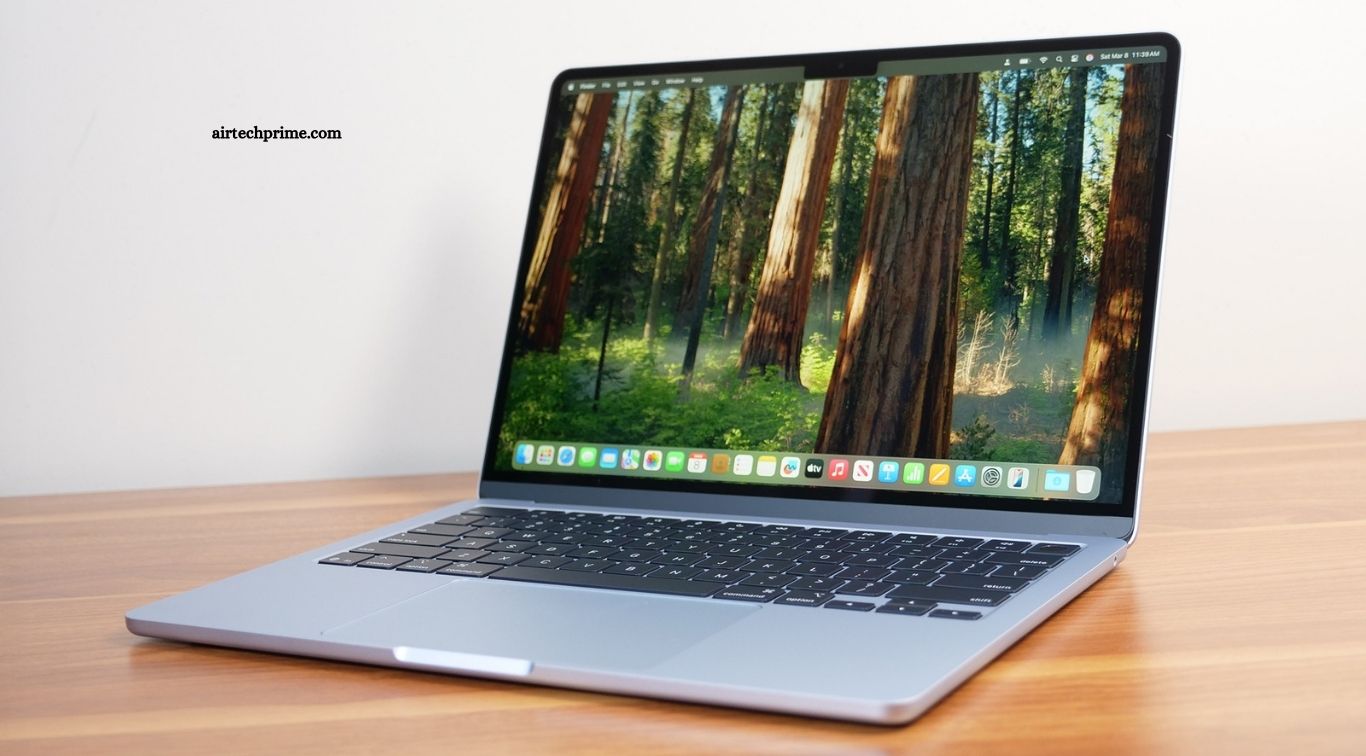
A Rs 50,000 budget buys a far better laptop in India in 2026 than it did two years ago, but it has also become harder to choose well. Memory prices have risen sharply through 2026, so several laptops that cost Rs 38,000 to Rs 42,000 last year now sell close to Rs 50,000. Two laptops can both advertise 16GB RAM and a 512GB SSD while delivering very different performance, battery life and display quality, so the headline specifications tell you less than they used to.
The top ranking guides agree on the same small group of winners, even though they rank them in a different order, because they value different things. This guide combines their findings into one clear shortlist, explains what the specifications actually mean for study and office work, and tells you which laptop suits which kind of buyer. The best laptop under 50000 in India is not the one with the biggest numbers on the box. It is the one that matches how you will actually use it every day.
What to Check Before You Buy
Before you look at any model, learn these six checks. They will save you from the most common buying mistakes in this price range.
First, check the RAM, and check whether you can add more later. Almost every laptop under Rs 50,000 ships with 8GB of RAM, and Windows 11 strains 8GB until the machine lags and heats up when you open many browser tabs. The figure that actually predicts how a budget laptop feels day to day is whether it has a spare memory slot, because adding another 8GB stick later is cheap and transforms the machine. A 16GB model is better still, and it is worth paying a little more for if you multitask.
Second, insist on a 512GB SSD. A 256GB drive fills up fast once Windows, Office and a few apps are installed, and a slow hard drive is the single worst thing you can accept in 2026. Every pick in this guide has a fast NVMe SSD, which makes the laptop feel quick even when the processor is modest.
Third, read the processor name carefully. In this price band you will see Intel Core i3 and i5, AMD Ryzen 3 and 5, and newer Snapdragon X chips. For study and office work, any of these is fast enough. The difference between a low power U series chip and a higher power H series chip matters more than the brand name.
Fourth, check the display. A 15.6 inch Full HD screen is standard, but brightness and colour vary a lot. A dim 250 nit screen is hard to use near a window, while a brighter panel is easier on the eyes during long study sessions. If you carry the laptop daily, a 14 inch model saves noticeable weight.
Fifth, check the battery honestly. Claimed battery figures are measured in ideal conditions, so treat them as a ranking rather than a promise. Independent testing found everything from around 7 hours to over 15 hours in the same video test.
Sixth, check the warranty and service network. A laptop is a three to five year purchase, so a brand with service centres in your city is worth more than a slightly faster chip.
Quick Comparison
| Laptop | Best for | Processor | RAM | Storage | Price (approx., Nov 2026) |
|---|---|---|---|---|---|
| Lenovo ThinkBook 16 | Best overall | Ryzen 5 7535HS | 16GB | 512GB SSD | Rs 46,990 |
| Acer Aspire 3 A324-53 | Best for students | Core i5-1334U | 16GB | 512GB SSD | Rs 40,990 |
| Acer Aspire Lite AL15-41 | Best value | Ryzen 5 5625U | 16GB | 512GB SSD | Under Rs 50,000 |
| Lenovo IdeaPad Slim 3 | Best all rounder | Core i5 / Ryzen 5 | 8GB, upgradeable | 512GB SSD | Under Rs 50,000 |
| ASUS VivoBook 15 | Best display and keyboard | Core i3-1315U | 8GB, upgradeable | 512GB SSD | Under Rs 50,000 |
| Acer Aspire 14 AI | Best battery life | Snapdragon X | 16GB | 512GB SSD | Close to Rs 50,000 |
Prices are from Indian retail listings in October and November 2026 and change often, especially during sale events. Memory prices rose sharply through 2026, so always check the live price before you buy.
1. Lenovo ThinkBook 16: Best Overall
The Lenovo ThinkBook 16 is the pick that tops the most serious roundups, and for good reason. It uses a Ryzen 5 7535HS, a 45W H series chip rather than the low power U series parts most rivals use, and the difference is not subtle. In independent testing reported by 91mobiles, it scored 9,393 in Cinebench R23 multi core and took PCMark 10 at 5,779, with 9 hours of battery in a video loop test.
At a reviewed price of Rs 46,990, it pairs that processor with 16GB of RAM and a 512GB SSD in a 16 inch body with a full keyboard. It is not the lightest laptop here, but for desk based work, classes and office use, it is the most capable machine under Rs 50,000. The build is plain and business like, which some buyers will find boring, but that is a fair trade for the performance.
Best for: most buyers who want the strongest all round laptop in this budget.
2. Acer Aspire 3 A324-53: Best for Students
The Acer Aspire 3 A324-53 is the student pick of this list. Its 14 inch size makes it noticeably easier to carry every day than a 15.6 inch machine, and the configuration independently tested by 91mobiles pairs an Intel Core i5-1334U with 16GB of RAM and a 512GB SSD, which is a strong combination for classes, assignments and video calls.
The same testing measured 7 hours 25 minutes of battery in a video loop test, enough for a full college day, and the reviewed price of around Rs 40,990 leaves money for a bag, a mouse or earbuds. The display and speakers are ordinary rather than impressive, and the plastic body feels basic, but nothing else at this price combines a compact size, 16GB of RAM and this processor so neatly.
Best for: college students who carry their laptop every day.
3. Acer Aspire Lite AL15-41: Best Value
The Acer Aspire Lite with the Ryzen 5 5625U is the value pick, especially if you want 16GB of RAM without spending the full budget. Acer lists a six core Ryzen 5 5625U, 16GB of DDR4 memory, a 512GB NVMe SSD and a 15.6 inch Full HD display, and the 16GB and 512GB configuration has been listed below Rs 50,000 on Acer’s own India store and on Amazon India.
This is a straightforward productivity laptop that spends its budget where most buyers will notice it. The processor handles documents, browsers, video calls and light photo editing comfortably, the memory is upgradeable, and the large screen suits long working sessions. The trade off is weight and ordinary battery life, so it suits a desk or a home study table more than a daily commute.
Best for: buyers who want 16GB of RAM and the most laptop for the least money.
4. Lenovo IdeaPad Slim 3: Best All Rounder
The Lenovo IdeaPad Slim 3 is the machine most students should buy if they want one laptop to survive a full degree. It reliably lands inside the Rs 50,000 ceiling with a current generation Intel Core or AMD Ryzen chip, 8GB of RAM and a 512GB SSD, and critically, many variants ship with an accessible memory slot, so you can add RAM later when the budget allows.
That upgrade path extends a budget laptop’s usable life beyond two years, because 8GB on Windows 11 becomes a bottleneck long before the processor does. Buy the 8GB version only if you plan to add another stick within the first year, and check that the variant you buy has the spare slot.
Best for: students who want a laptop that lasts a full degree and can be upgraded later.
5. ASUS VivoBook 15: Best Display and Keyboard
The ASUS VivoBook 15 is the pick for buyers who spend all day looking at the screen and typing. It pairs a Core i3-1315U with 8GB of RAM and a 512GB SSD, and its strengths are the display quality and the comfortable keyboard rather than raw speed. For writing, reading, browsing and video calls, those are the things you notice every hour, while the processor difference between this and a faster rival is something you notice rarely.
The VivoBook 15 also has a wide service network in India. The 8GB of RAM is its weakness, so like the IdeaPad Slim 3, it makes sense only if you can add memory later or your workload is light.
Best for: writers, readers and anyone who types all day.
6. Acer Aspire 14 AI: Best Battery Life
The Acer Aspire 14 AI is the unusual pick in this price class, because it uses Qualcomm’s Snapdragon X platform instead of Intel or AMD. The reward is battery life. Independent testing measured 15 hours 13 minutes in a video loop test, and no other laptop under Rs 50,000 in the guides we studied comes close. For a student who spends all day away from a charger, that is a bigger advantage than any processor benchmark.
There is a catch. Snapdragon runs Windows on ARM, so a small number of older apps may not work or may run through emulation. Before you buy, check that the apps you need, such as Tally or AutoCAD, run on Windows on ARM. If your work is browsing, documents, video calls and streaming, it will feel fast and silent, and the battery will change how you use a laptop.
Best for: students and travellers who need the longest battery life and mostly use web and Office apps.
Which Is the Best Laptop Under 50000 in India for You?
Here is a simple decision guide based on your main use.
For the best all rounder, buy the Lenovo ThinkBook 16. For college use and daily carrying, buy the Acer Aspire 3 A324-53. For the most value and 16GB of RAM at the lowest price, buy the Acer Aspire Lite. For a laptop that survives a full degree and can be upgraded, buy the Lenovo IdeaPad Slim 3. For the best screen and keyboard, buy the ASUS VivoBook 15. For the longest battery life, buy the Acer Aspire 14 AI, after checking that your apps run on Windows on ARM.
If you are still unsure, the ThinkBook 16 is the lowest risk choice, because it has the strongest tested performance and a full 16GB of RAM. If your budget is genuinely tight, the Aspire Lite gives you the same memory and storage for less money.
Mistakes to Avoid
First, do not buy a laptop with a hard drive or with 256GB of storage to save a little money. A slow drive or a full drive will make the laptop feel old within a year, and upgrading storage later costs more than buying the right configuration now.
Second, do not choose based on the processor generation alone. A newer generation number does not guarantee faster performance. Check the RAM, the storage and the battery as well.
Third, do not ignore the display. A dim screen is the thing you will regret every day, and it is the hardest part to upgrade later. If possible, see the laptop in a store before you buy it online.
Fourth, do not buy from an unknown seller just because the price is Rs 2,000 lower. Laptops are expensive and warranty claims matter, so buy from Amazon, Flipkart, the brand’s own store, or a trusted local dealer, and keep the bill safe.
Fifth, do not skip the first week test. Check the battery on a real working day, test the webcam and microphone on a real call, and confirm that your important apps install and run. If something is wrong, return or replace the laptop within the return window.
Frequently Asked Questions
Which is the best laptop under 50000 in India in 2026?
The Lenovo ThinkBook 16 is the best overall laptop under Rs 50,000 for most buyers, with a Ryzen 5 7535HS processor, 16GB of RAM and a 512GB SSD. The Acer Aspire 3 is the best choice for students who carry their laptop daily.
Is 8GB RAM enough for a laptop under 50000?
8GB is enough for basic browsing, documents and video calls, but Windows 11 strains it when you open many tabs. A laptop with 16GB is better, and one with a spare memory slot is the next best thing, because you can add RAM later for a low cost.
Which laptop under 50000 has the best battery life?
The Acer Aspire 14 AI has the best battery life in this price range, with over 15 hours measured in independent video loop testing. It runs Windows on ARM, so check that your apps are compatible before you buy it.
Can I play games on a laptop under 50000?
You can play light and older games, but these laptops have no dedicated graphics card, so modern demanding games will not run well. If gaming is your priority, save for a laptop with a dedicated GPU, which usually starts above Rs 60,000.
Should I buy a laptop during a sale?
Yes. Festive sales such as the Amazon Great Indian Festival and Flipkart Big Billion Days often cut Rs 3,000 to Rs 7,000 from the price, or add bank offers. Check the live price and the return policy before you buy.
Is a Chromebook a good option under 50000?
A Chromebook suits simple study, browsing and streaming, and it is light with good battery life. It cannot run full Windows software such as MS Office desktop apps or Tally, so it is a poor choice if your college or office needs Windows apps.
Conclusion
The best laptop under 50000 in India in 2026 is not the one with the longest specification list. It is the one that matches your daily use: the ThinkBook 16 for the strongest all round performance, the Aspire 3 for college, the Aspire Lite for value, the IdeaPad Slim 3 for a laptop that lasts a degree, the VivoBook 15 for screen and keyboard, and the Aspire 14 AI for battery life. Before you buy, check the RAM and whether you can add more, insist on a 512GB SSD, check the live price, and buy from a trusted seller. Prices in this segment move quickly, so a laptop that fits your budget today may cost more next month. Pick the one that fits your work, test it properly in the first week, and it will serve you well for years.

1 Comment
Pingback: Best Blogging Platform in India 2026: 6 Compared